Untangling the Dependency Web: A Developer's Guide to Auditing and Slimming Down Package Bloat
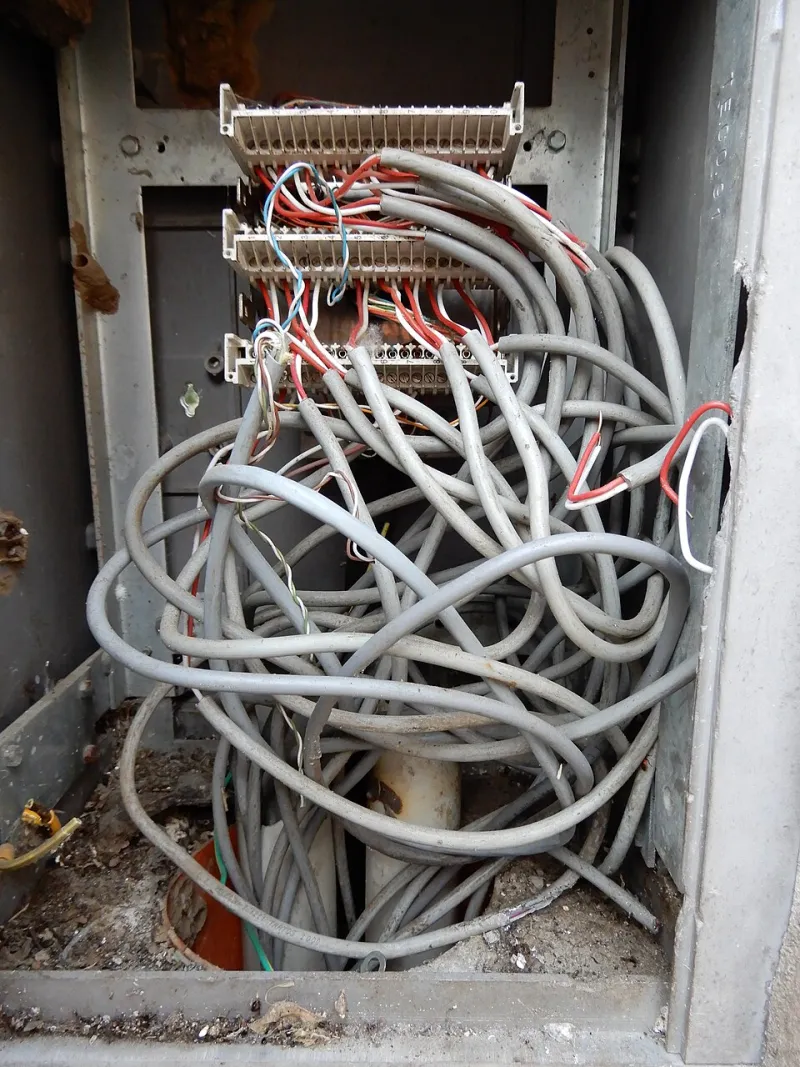
Photo: Tulumnes, CC BY-SA 4.0, via Wikimedia Commons
Every dependency you install is a decision — and most developers stop treating it that way after the first six months of a project. A package gets added to solve a specific problem, another one sneaks in as a transitive requirement, and a third was installed during a proof-of-concept sprint that shipped to production before anyone updated the package.json. Multiply that pattern across a team working under deadline pressure, and you end up with a node_modules folder that resembles a storage unit no one has opened in three years.
The consequences are real, measurable, and frequently underestimated. Understanding them is the first step toward building a more disciplined dependency practice.
Why Dependency Bloat Is a Structural Problem, Not a Housekeeping Issue
It is tempting to treat package bloat as a cosmetic concern — something to clean up during a slow sprint when there is nothing urgent on the board. That framing is mistaken. Unnecessary dependencies impose costs across at least three distinct dimensions.
Build time degradation. Every package added to a project expands the surface area that bundlers, transpilers, and CI pipelines must process. Tools like Webpack and Vite are optimized, but they are not magic. A project carrying forty unused packages will consistently run slower than one that does not, and those seconds compound across hundreds of daily CI runs.
Security surface area. The npm ecosystem has a well-documented history of supply chain vulnerabilities. Each package you import is a potential vector — not just the package itself, but every one of its transitive dependencies. The 2021 ua-parser-js compromise and the more recent incidents involving malicious packages published under typo-squatted names illustrate exactly how exposed a bloated dependency tree leaves a production application.
Cognitive and onboarding overhead. When a new engineer joins your team and runs npm install, they are implicitly trusting that every package in your manifest serves a purpose. Bloated projects make it harder to reason about what the codebase actually depends on, which slows down debugging, complicates upgrades, and erodes confidence in the overall architecture.
The Audit Stack: Tools That Do the Heavy Lifting
Fortunately, the JavaScript ecosystem offers several tools purpose-built for dependency analysis. Used together, they provide a comprehensive picture of what your project is carrying and whether it needs to be there.
npm audit
The most accessible entry point is npm audit, which ships with npm itself. Running it against your project produces a report of known vulnerabilities indexed against the National Vulnerability Database. The output categorizes issues by severity — critical, high, moderate, and low — and recommends remediation paths where they exist.
What npm audit does not tell you is whether a package is being used at all. It only evaluates the security posture of what is installed. Treat it as the baseline, not the complete picture.
depcheck
This is where depcheck earns its place in the workflow. Install it globally or run it via npx, and it will scan your source files to identify packages listed in your package.json that are never actually imported, required, or referenced in any meaningful way. It also surfaces the inverse problem: dependencies your code uses that are not formally declared, which creates fragile implicit reliance on transitive packages.
A typical depcheck run on a mid-sized project will surface a surprising number of candidates for removal. Pay particular attention to packages in dependencies that belong in devDependencies — this is an extremely common miscategorization that unnecessarily inflates production bundle sizes.
bundlesize and bundle-analyzer
For front-end projects, the final bundle is what actually reaches users. Tools like bundlesize allow you to set size thresholds and fail CI builds when those limits are exceeded, creating an automated gate against bundle creep. Pair it with webpack-bundle-analyzer or Vite's equivalent visualization tools to get a treemap of exactly which packages are contributing the most weight to your output.
This combination is particularly useful for identifying large packages that are technically being used but could be replaced with a lighter alternative. The classic example is importing all of lodash when only two utility functions are needed — a scenario that lodash-es and tree-shaking can address, but only if someone notices the problem first.
A Framework for Making Removal Decisions Without Regret
Having identified candidates for removal, the harder question is how to decide what actually goes. A few guiding principles make this process more reliable.
Classify before you cut. Group your candidate packages into three buckets: definitely unused, potentially unused, and used but replaceable. The first bucket can be removed immediately with low risk. The second requires a closer look at dynamic imports, configuration files, and build scripts that static analysis might miss. The third requires a cost-benefit evaluation.
Check the maintenance signal. Before removing a package, check its npm page and GitHub repository. A package with no commits in three years, unresolved security issues, and no active maintainer is a liability regardless of how small it is. If you are going to keep any package on the edge, it should at minimum have an active maintainer.
Remove in isolation and test thoroughly. Never remove multiple packages in a single commit if you can avoid it. Removing dependencies one at a time, running your full test suite after each removal, and deploying to a staging environment before production is the only way to catch unexpected breakage without introducing ambiguity about the cause.
Document the decision. A short note in your project's DECISIONS.md or equivalent — explaining why a package was removed and what, if anything, replaced it — pays dividends the next time someone wonders whether a missing package was an oversight or an intentional choice.
Building a Sustainable Dependency Culture
Auditing your existing packages is a one-time correction. Preventing the problem from recurring requires a shift in team norms.
Consider establishing a lightweight review process for new package additions. A simple question — "does this package already exist in our stack, or can we accomplish this with a small utility function?" — eliminates a significant share of unnecessary additions before they land. Some teams formalize this as a PR checklist item; others handle it through code review convention. Either approach works as long as it is consistent.
Schedule a quarterly dependency review as a standing agenda item. Thirty minutes with depcheck and npm audit every three months is far less disruptive than an emergency audit triggered by a security incident or a CI pipeline that has degraded to the point of affecting team velocity.
Dependency management is not glamorous work. It rarely makes it into sprint demos or performance reviews. But the teams that treat it as a first-class engineering discipline consistently ship faster, onboard more smoothly, and carry less security risk than those that do not. The tools are available and largely free. The only remaining variable is the discipline to use them.